
Appearance
Schema User Guide
Login
https://bi-form.item.com/schema

Creating a MySQL Table
Use the following template to create a form table. All form tables must end with _form. You can optionally add an index to enable quick search. Single-column indexes are supported.
sql
-- Example: accounting.wise_facility_tracking_number_list_form
CREATE TABLE wise_facility_tracking_number_list_form (
  id int NOT NULL AUTO_INCREMENT,
  createdby varchar(200) DEFAULT NULL,
  last_update_by varchar(200) DEFAULT NULL,
  createdtime timestamp DEFAULT NULL,
  last_update_time timestamp DEFAULT NULL,
  accgroup json DEFAULT NULL,
  PRIMARY KEY (id)
)
Creating, Editing, and Deleting Forms
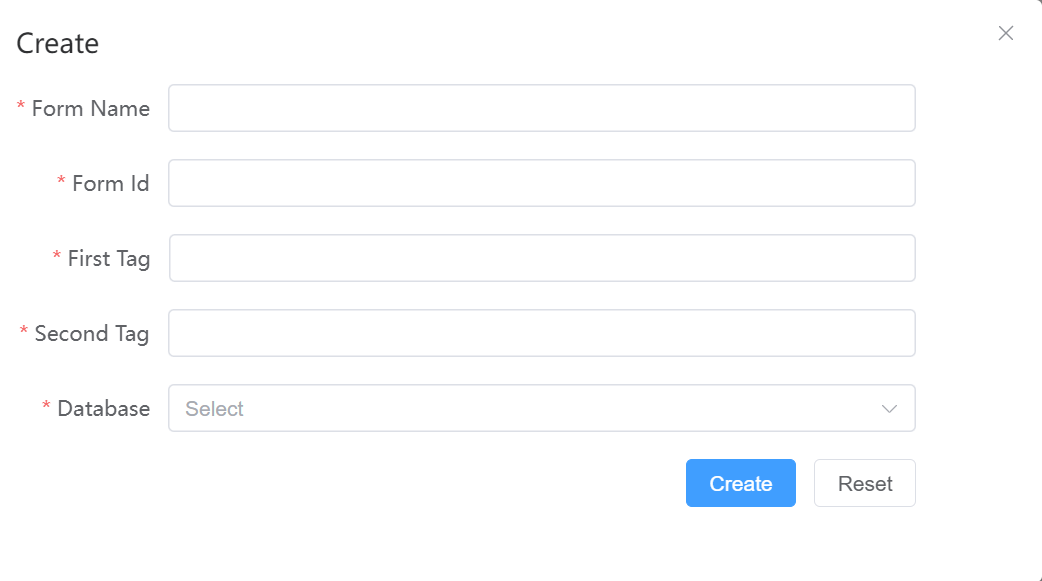
Create a Form
Supports 2-level tags. All fields are required.
Edit a Form
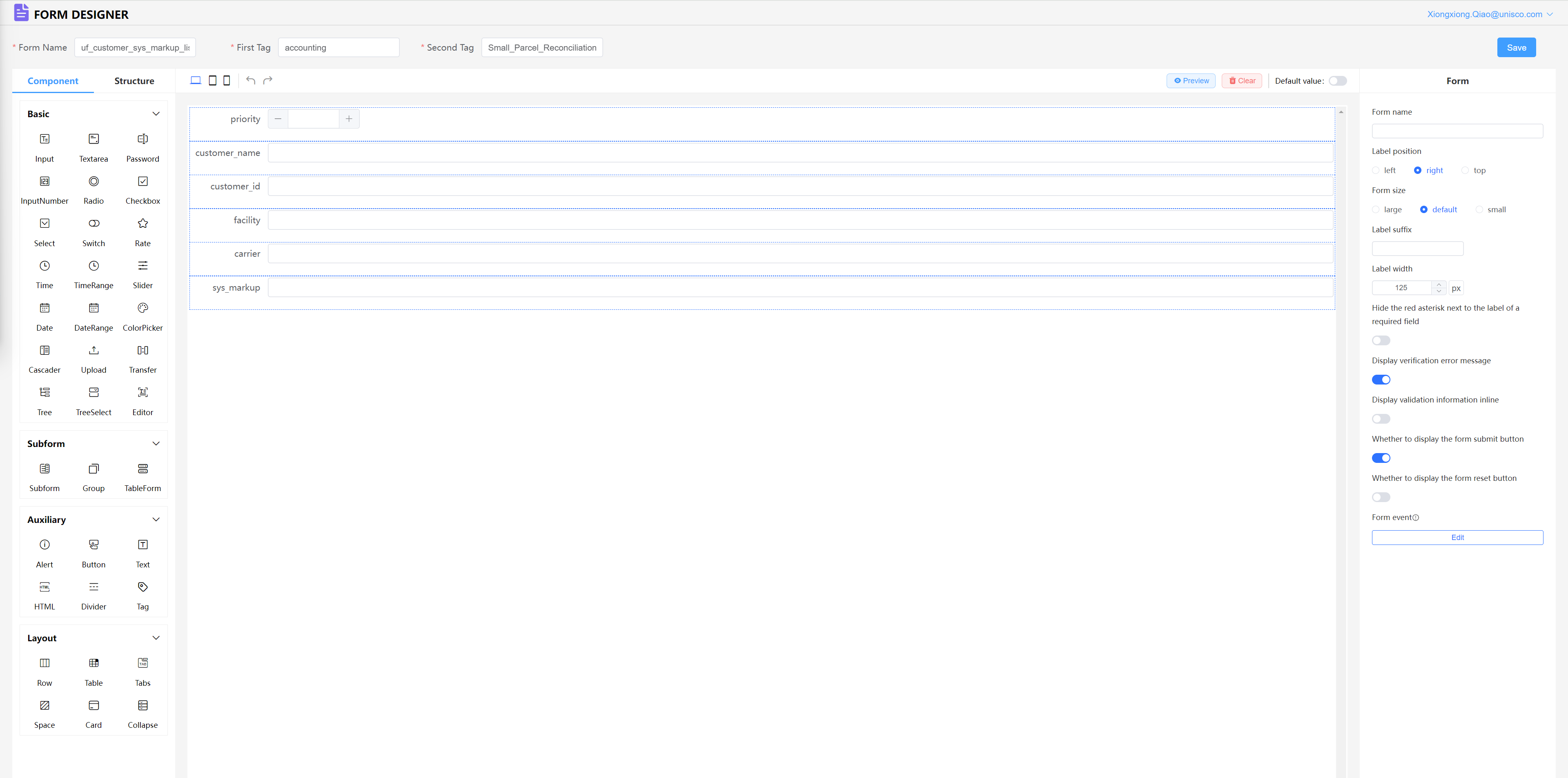
The form_id field cannot be modified.
Delete a Form
Deletion is permanent and cannot be undone.

Designer — Configuring Field Types
Use the Designer to configure the type of each field control.